State:Closed|icon_bug|database:public|icon_mari|Resolution:Fixed|TargetRelease:4.1v1|BugID:249620|
Search in
Please sign in to access the Bug Tracker
Problem summary
Reset Camera function does not always respond on the first attempt.
Customer reported version
3.1v3
Customer reported platform
CentOS6
Steps to reproduce
Assuming in this instance that your Orthographic view has broken or become misaligned (see attached file).
Reset Camera function does not always respond on the first attempt.
Customer reported version
3.1v3
Customer reported platform
CentOS6
Steps to reproduce
Assuming in this instance that your Orthographic view has broken or become misaligned (see attached file).
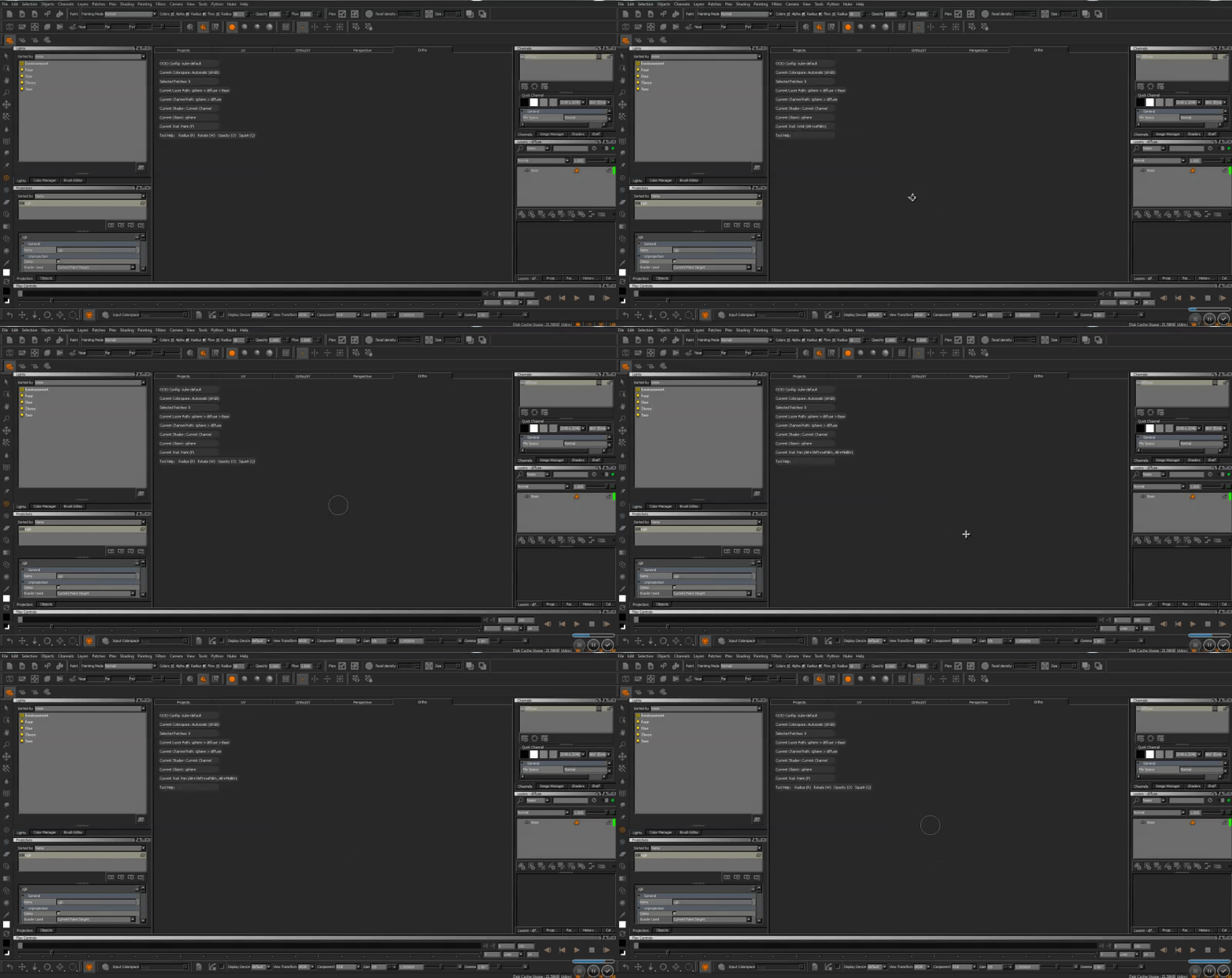
1) With the Orthographic view selected, orbit the view to check that the geo doesn't show. (This is simply to make sure the orthographic view is active)
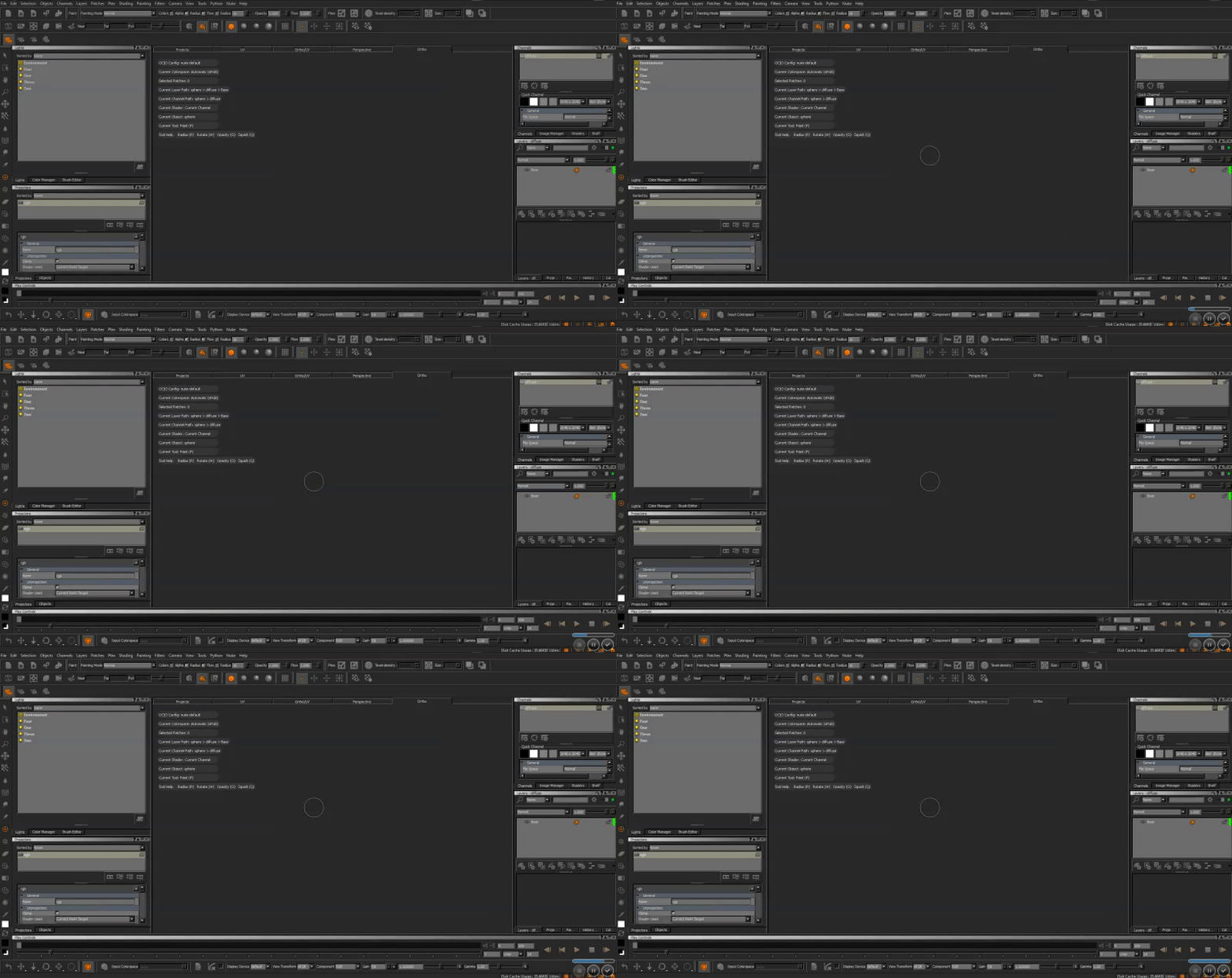
2) Hit 'Shift+A' which should center your focal point on the view. (This will show no change in the broken view)
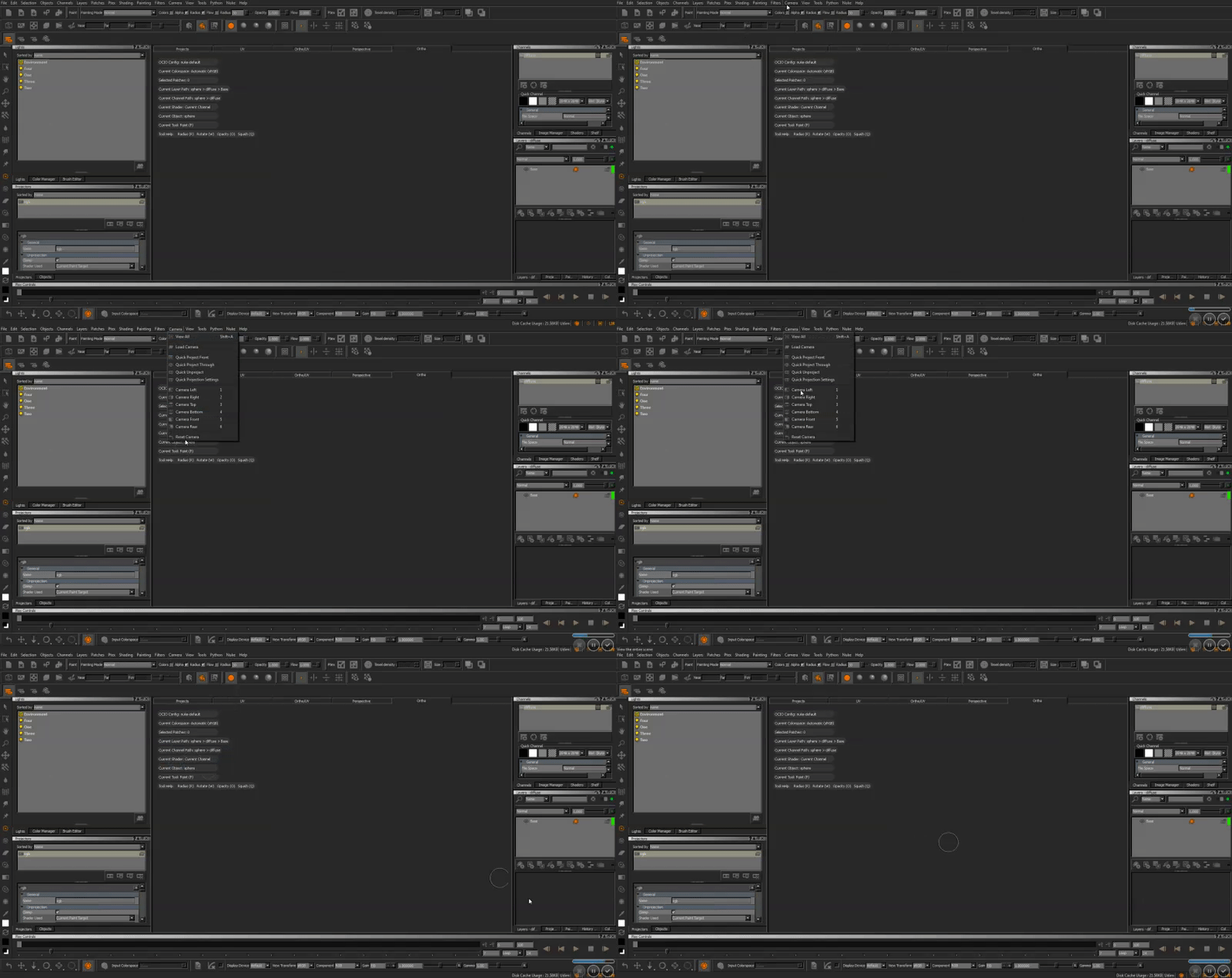
3) Navigate to Camera > Reset Camera in the overhead toolbar.
Workaround
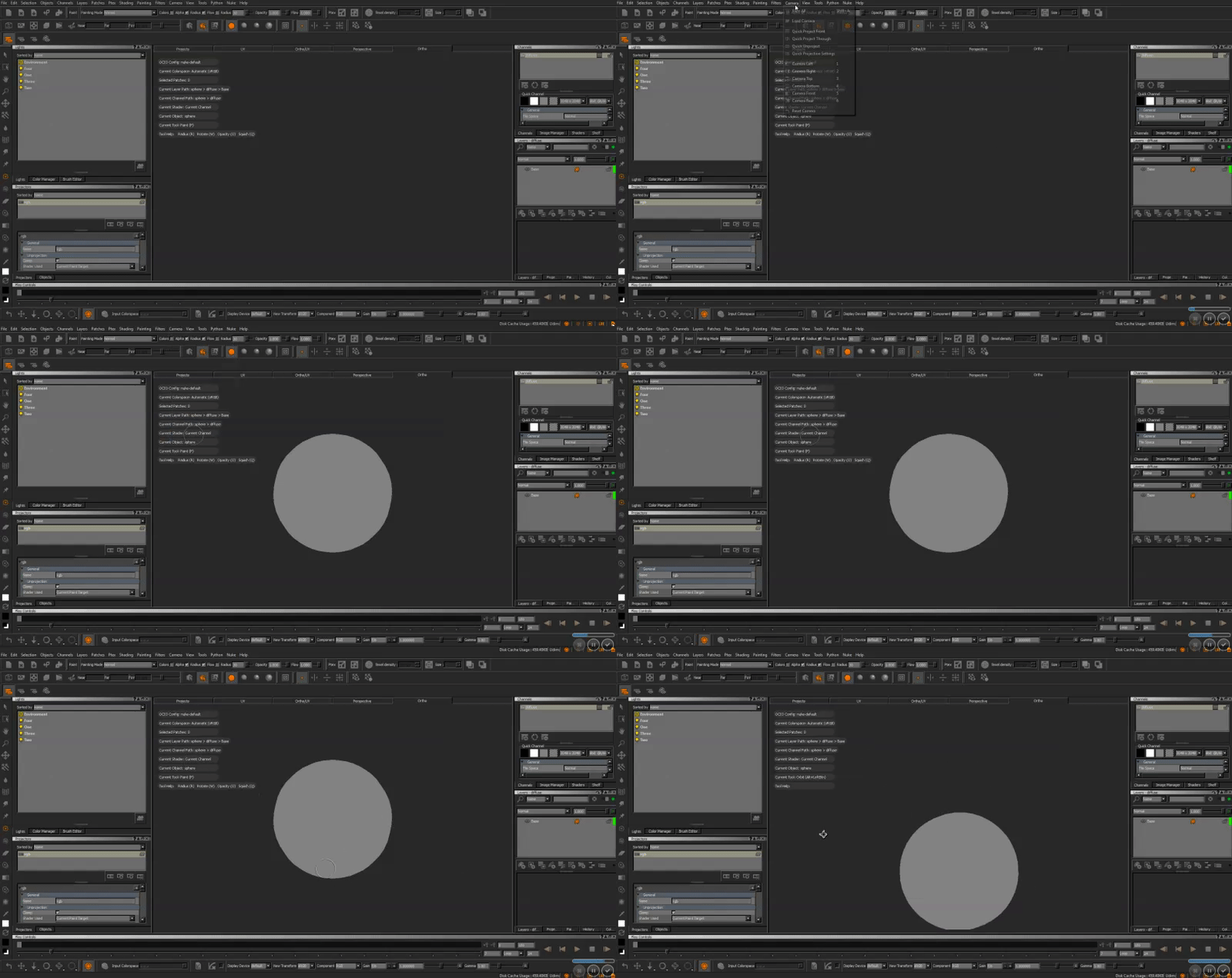
If the camera does not automatically reset, repeat the above steps once more.
Reproduced by support
Windows 7
Mari 3.2v1, 3.1v3, 3.1v1, 3.0v1, 2.6v5
Mac OS X (Sierra)
Mari 3.2v1, 3.1v3, 3.0v1
Reproducible in files containing broken camera views (see attached file).
Expected behaviour
Reset Camera should fix the issue and restore the previously broken view.
Actual behaviour
Reset Camera works intermittently and is not always a reliable fix on first attempt, usually needing the user to focus (shift+A) before it will respond correctly.
We're sorry to hear that
Please tell us why