State:Closed|icon_bug|database:public|icon_mari|Resolution:Fixed|TargetRelease:3.4v4|BugID:358954|
Search in
Please sign in to access the Bug Tracker
Problem summary
Color picked values are incorrect when Color Management is disabled but the View Transform is enabled
Customer reported version
3.4v1
Customer reported platform
Linux n/a
Steps to reproduce
1) Open any project in Mari
2) File > Settings > Color Management Enabled should be unchecked
3) Enable your View Transform
4) Enable Flat shading for best view [F1]
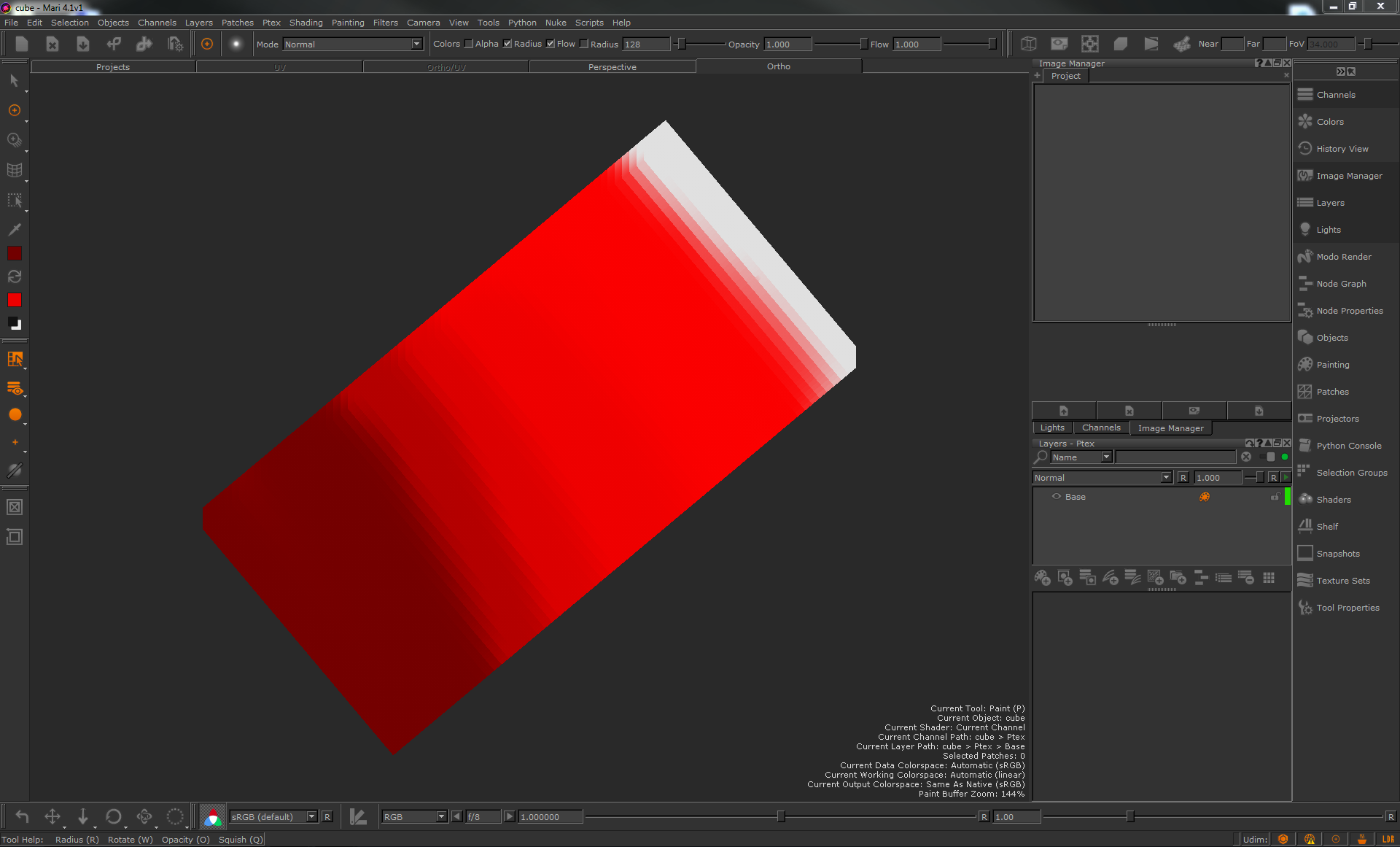
5) Paint a mid-colour value such as (0.5/0/0)
6) Use the eyedropper tool to select the colour you have just painted.
7) Check the value in the colour picker - the value will no longer be (0.5/0/0), but around (0.216,0,0).
8) Repeating steps 5 and 6 a few times will show how this affects the painting experience
Workaround
Unknown.
Reproduced by support
Mari 4.1v1 - Win 7, CentOS 7
Mari 3.4v1 - Win 7, CentOS 7
Earliest version tested
Mari 4.0v1 - Last working version
Mari 3.3v1 - Last working version
Expected behaviour
Color Picker should choose the correct value.
Actual behaviour
Value is adjusted.
We're sorry to hear that
Please tell us why